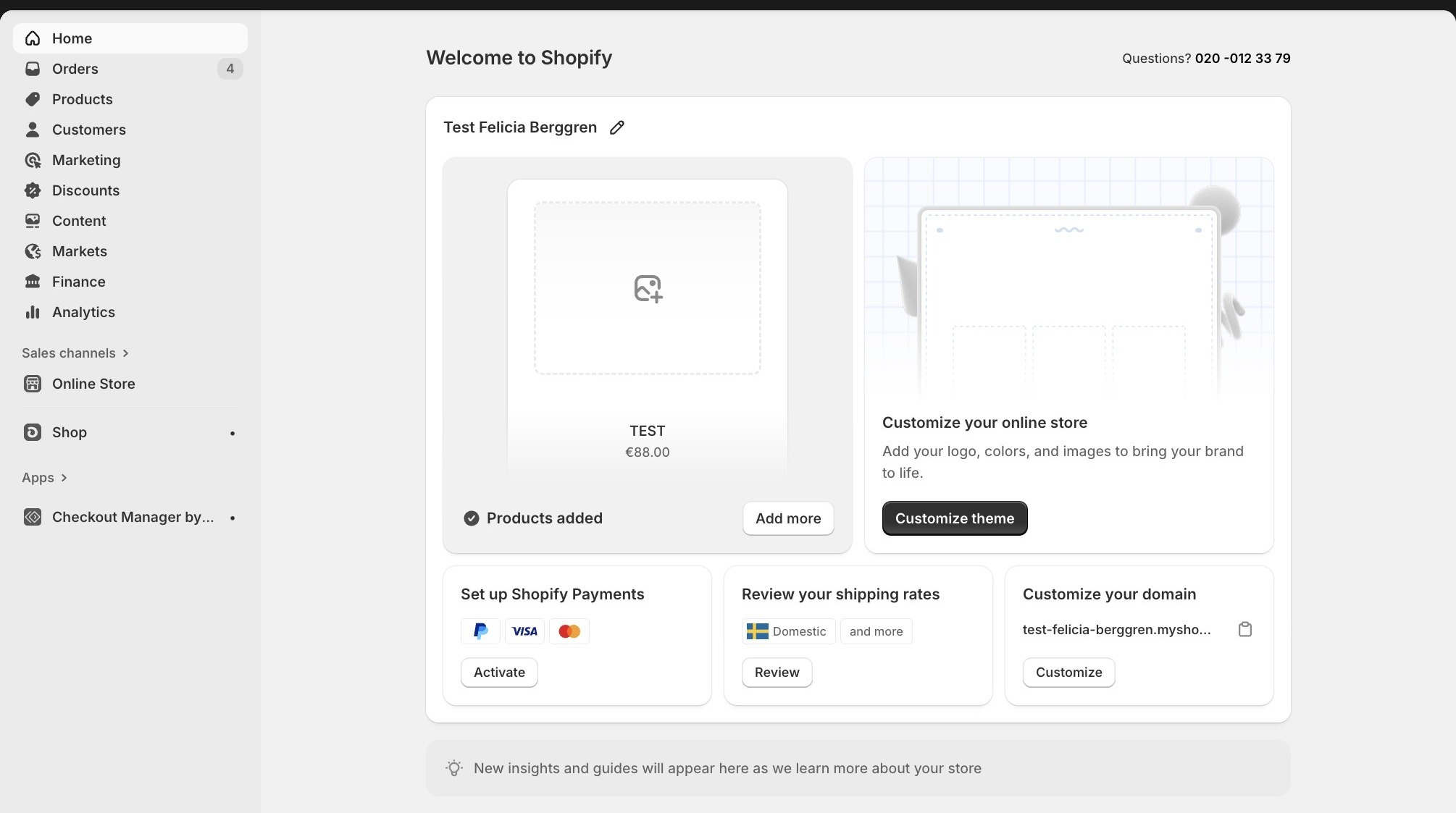
1. Navigate to your Shopify account
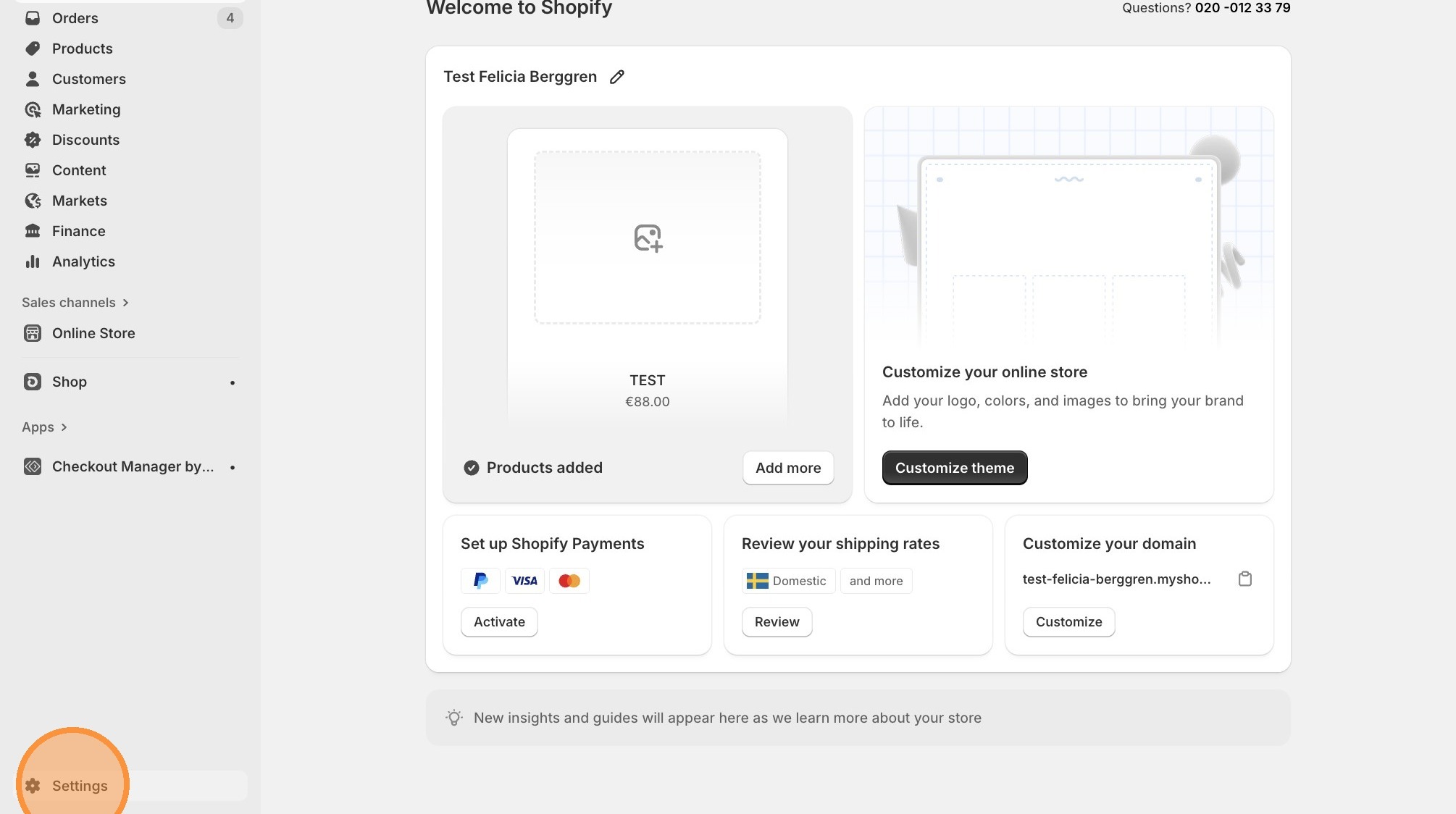
2. Click "Settings"
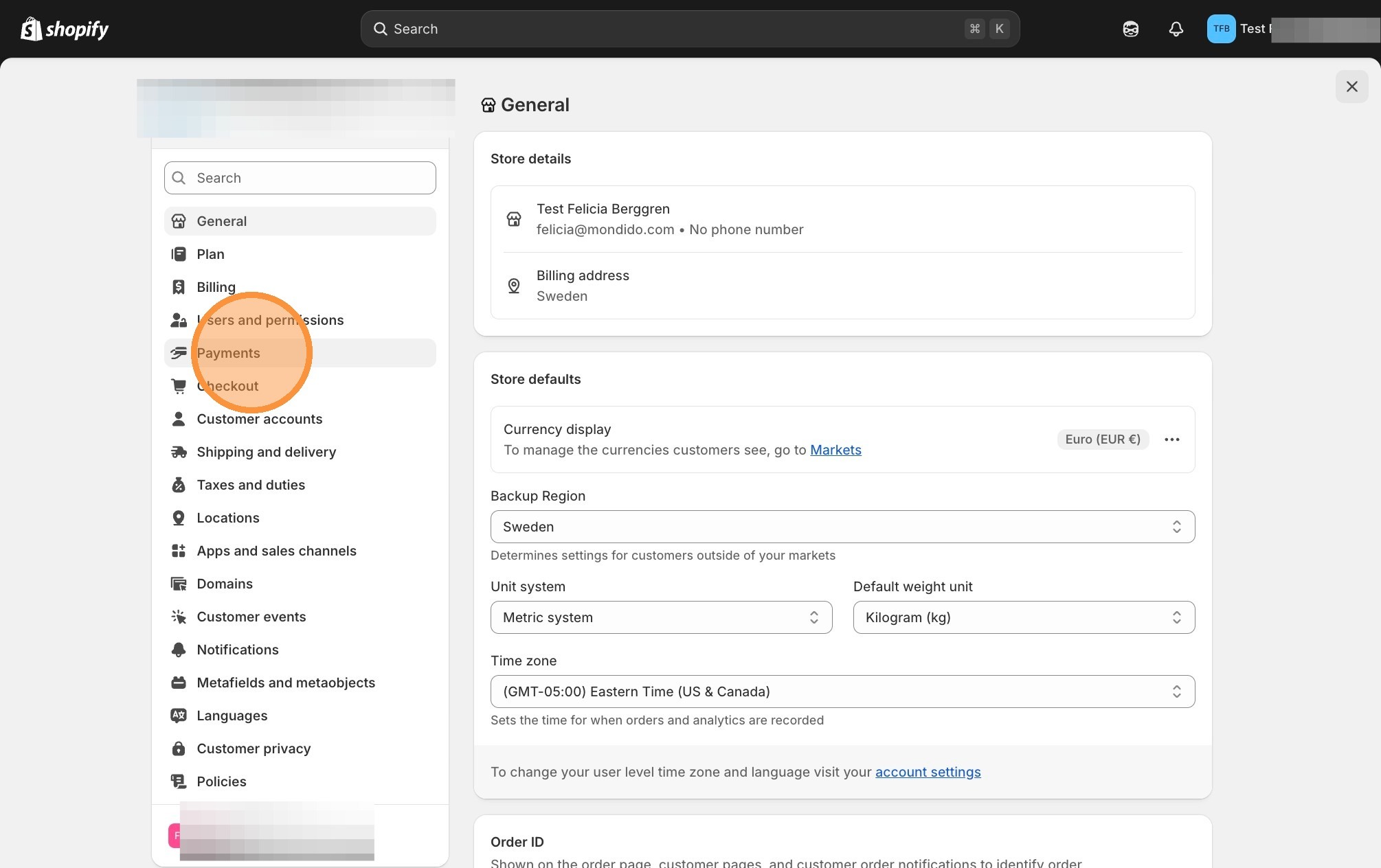
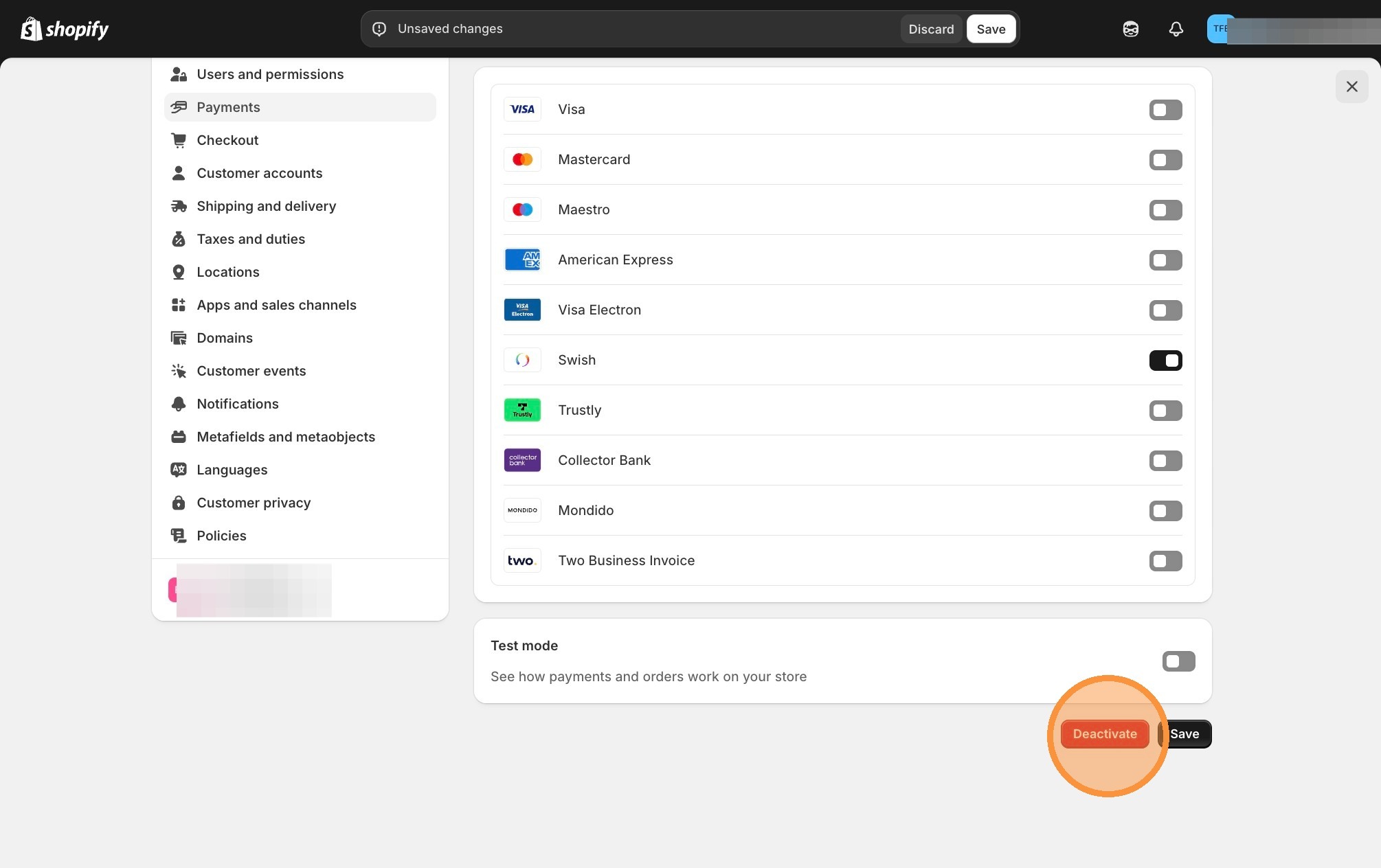
3. Click "Payments"
4. Click "Mondido Payments"
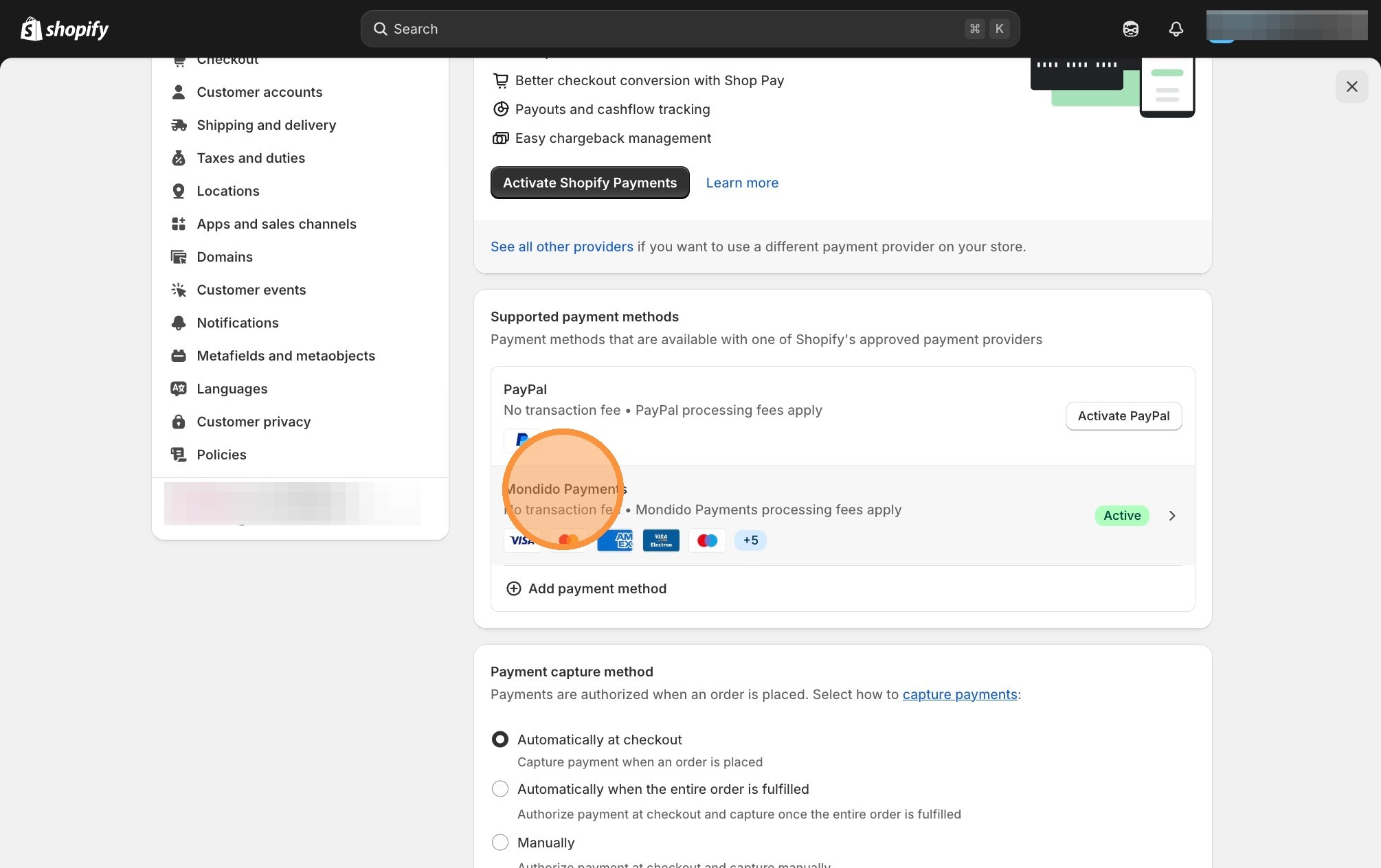
5. Click "deactivate" and save the changes
If you have any questions, feel free to contact us at support@mondido.com
or through the Mondido portal by clicking “Contact us”. We’re always happy to help.
Mondido Support
Was this article helpful?
That’s Great!
Thank you for your feedback
Sorry! We couldn't be helpful
Thank you for your feedback
Feedback sent
We appreciate your effort and will try to fix the article
