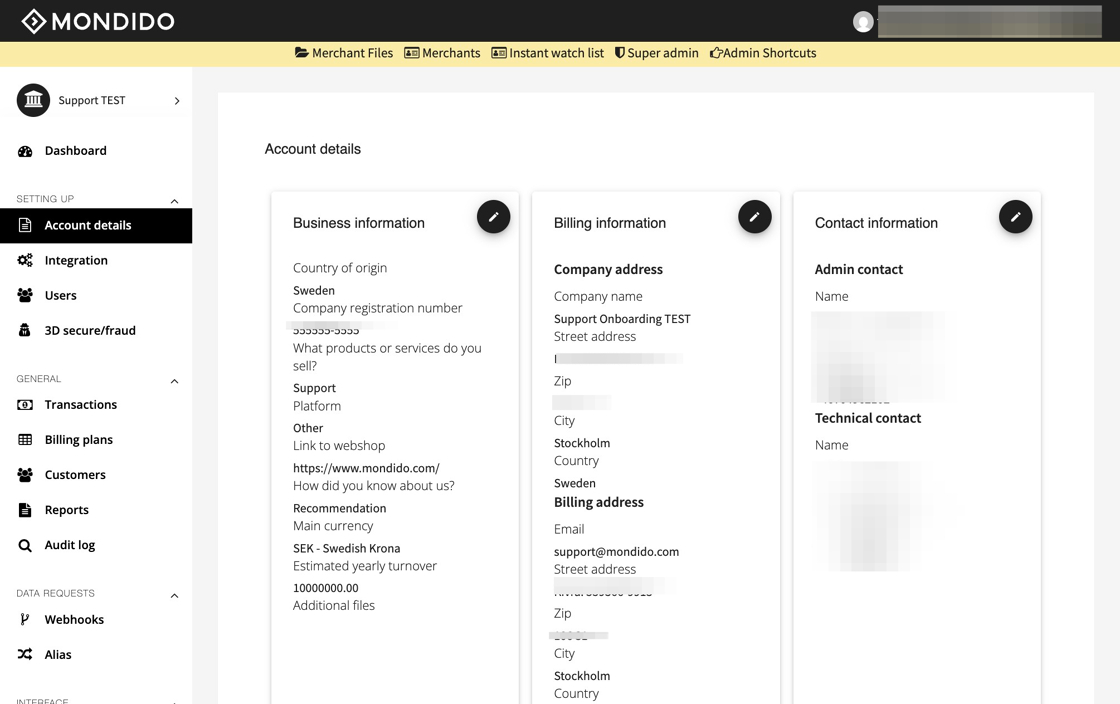
1. Navigate to https://admin.mondido.com/en/account-details
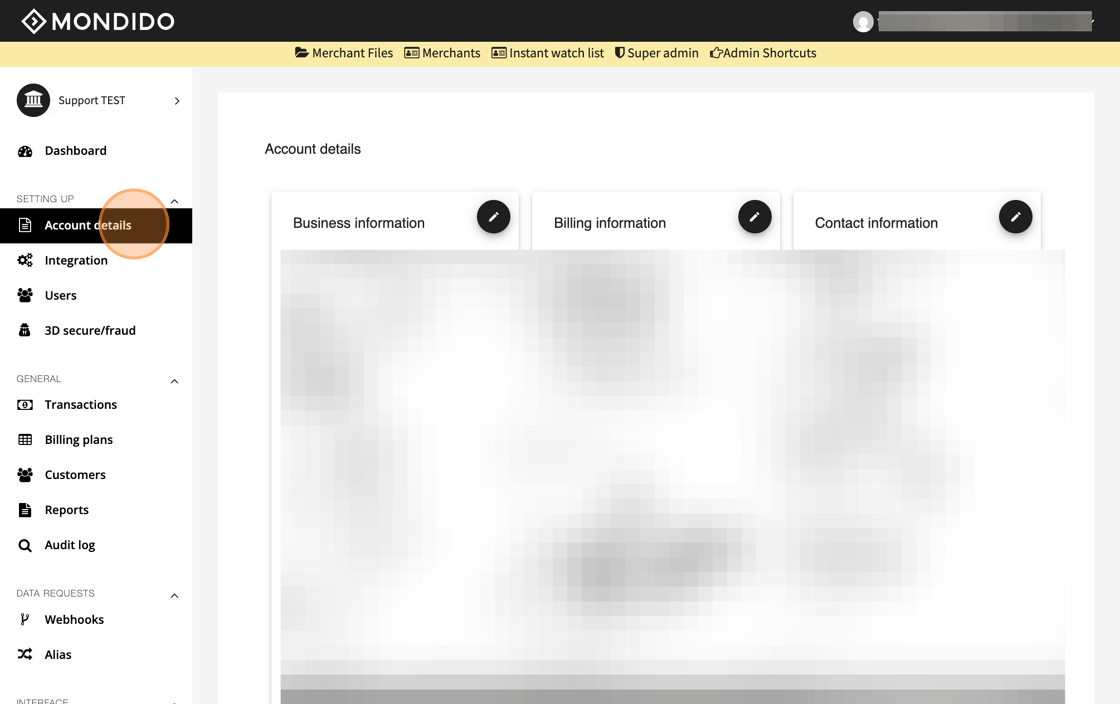
2. Click "Account details"
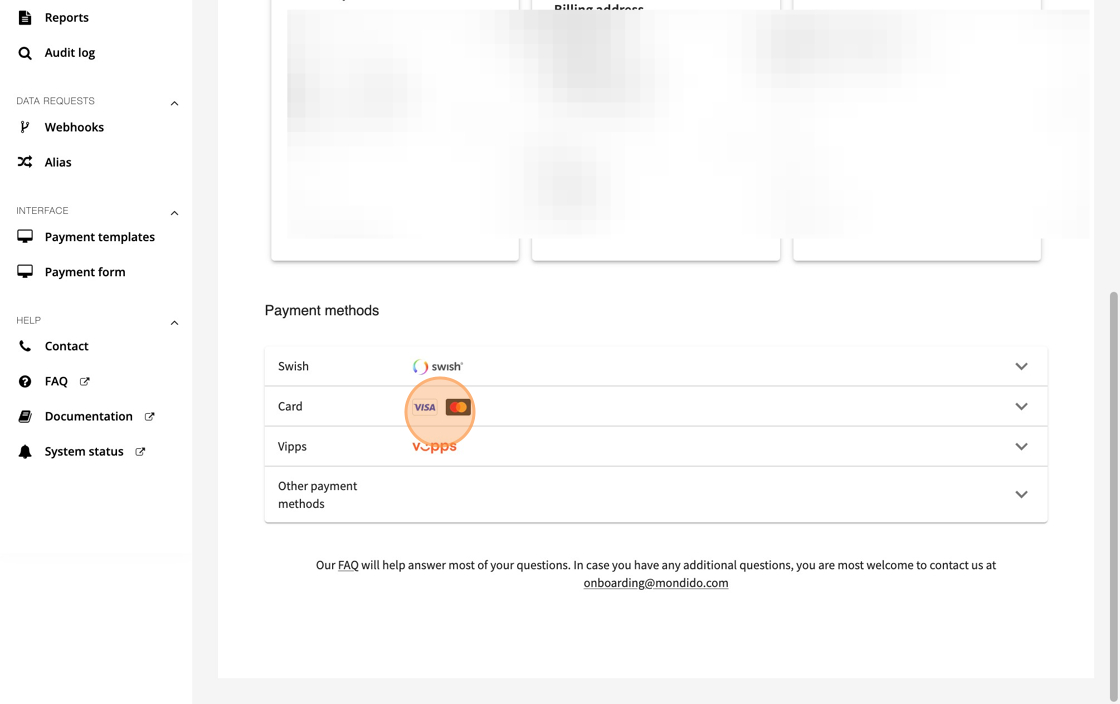
3. Click on the tab for "Card".
4. Add your file under "Additional files"

5. Click "Submit" to send in the updated version of your card application

Was this article helpful?
That’s Great!
Thank you for your feedback
Sorry! We couldn't be helpful
Thank you for your feedback
Feedback sent
We appreciate your effort and will try to fix the article